AYSHADE

Make Roblox Studio go from boring to amazing graphics.

Download
🎮 Graphics Cards Works on any GPU
⚠️ Computers Not great for low-end PC
Mobile Does not work on mobile

Setup Tutorial

Watch the video guide below to learn how to install and configure the shader files properly.
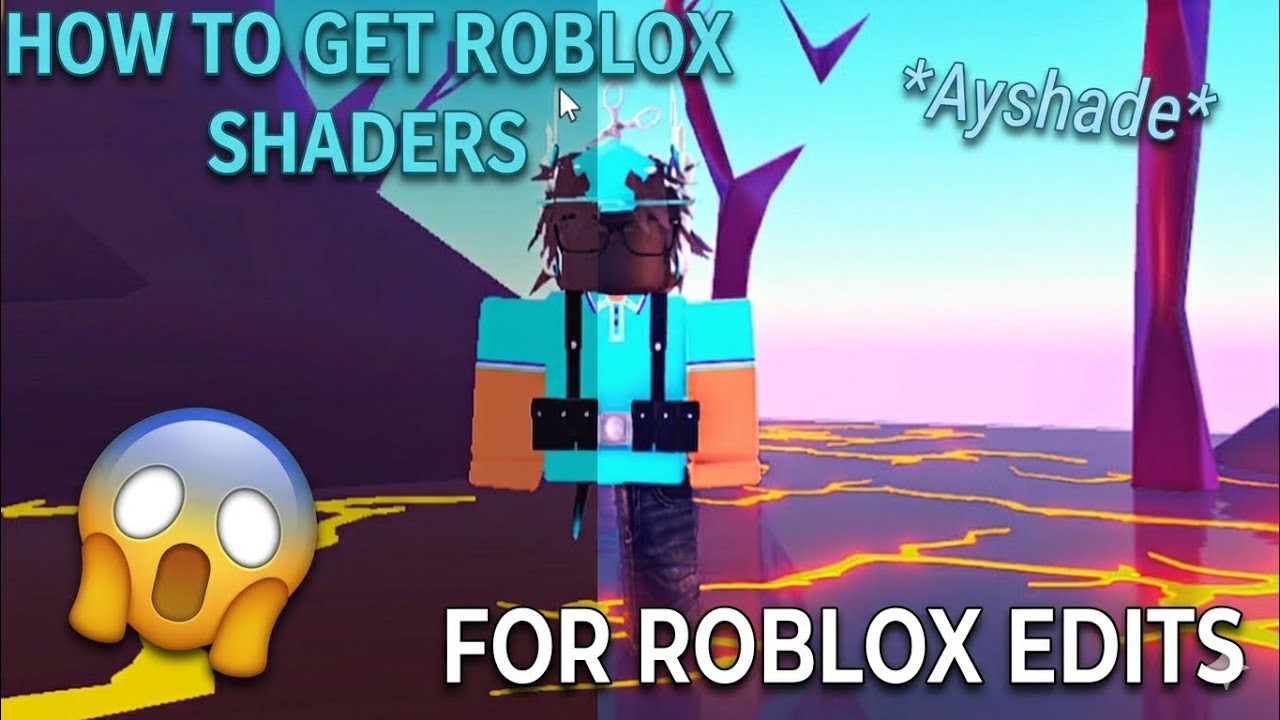
Ayshade Tutorial Thumbnail
⚙️ Crucial Step for Effects: Make sure to drop your extracted reshade-shaders folder directly inside your active RobloxStudioBeta directory. If this folder isn't in the correct application directory, the custom effects and presets will fail to load in your viewport.
Disclaimer: This shader configuration is not officially affiliated with or endorsed by Roblox Corporation. Always back up your studio files and original directory layouts before modifying files. The creator is not responsible for any application instability, data issues, or device-side issues resulting from improper configuration.

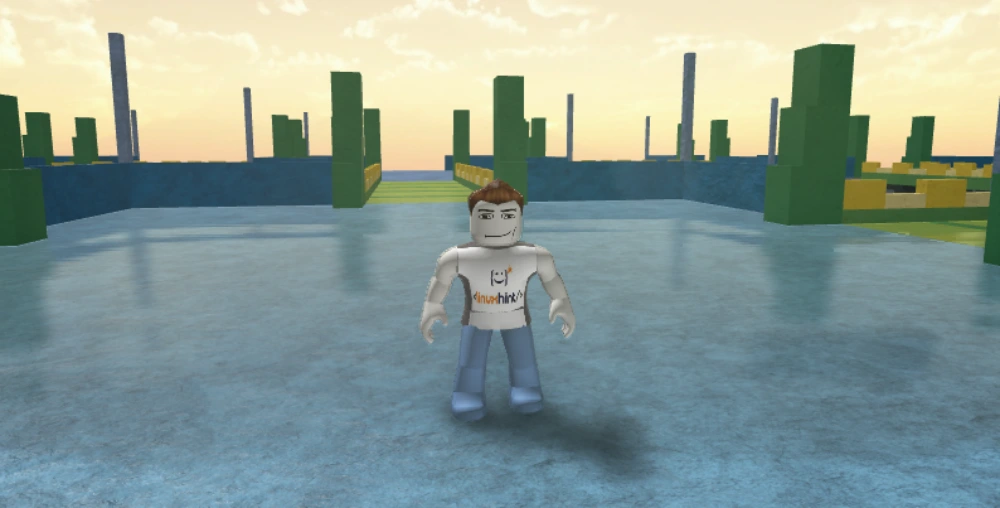
Image Gallery

Take a look at how nice your active workspace can look with shaders enabled.

Notice: These are not my images. All credit goes to their original owners!

Included Shader Features

💎

SSR Effect

Adds realistic, dynamic glossy reflections over your environmental map surfaces.

🌑

MXAO Effect

Adds subtle contact shadows to create clean lines and realism around parts and corners.

🤎

Ayden's Fav Sepia Tint

A custom, cozy sepia tone overlay that tints your scene with an ultra-smooth warm aesthetic style.